Page Creation Based Off Sitemap
In step one of the web project development process, we discussed how to create a site map. If you would like to revisit this step, click here.
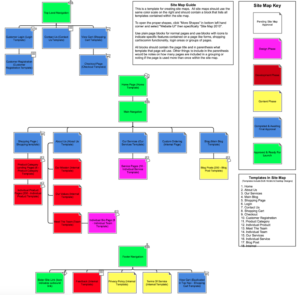
As you can see on the right hand side of the screen, this is what a site map looks like. Each box in this site map is an actual page. And page creation is the topic of this tutorial.
For the purpose of this tutorial, we are going to look at the website of our client, Firearms Legal Defense. The first thing we will do is to go to the back end of WordPress.
Back end of WordPress
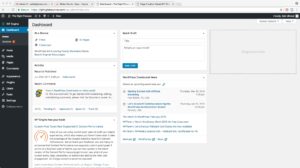 Now, we will look at a typical WordPress dashboard. It will look like the image on the left.
In this tutorial, we will mainly be looking at two areas in the dashboard; pages and posts. What are pages? Pages are permanent pieces of website information that are always going to be important to the website.
Some common examples of pages include; About Us, Contact Us, Services, etc. These pages will always be important to the structure and integrity of a website.
Posts
Now let’s talk about posts. Posts operate in almost the exact same way that pages do. The main difference here is time sensitivity. Pages and page creation are not very time sensitive as pages are thought out well ahead of time.
Posts, on the other hand, get updated regularly. An example of a post could be a blog post. Adding posts to a website is a simple process. Feel free to create and delete posts if you would like to get more comfortable with the process.
Can you walk me through page creation step by step?
We will now go over how to make a new page.
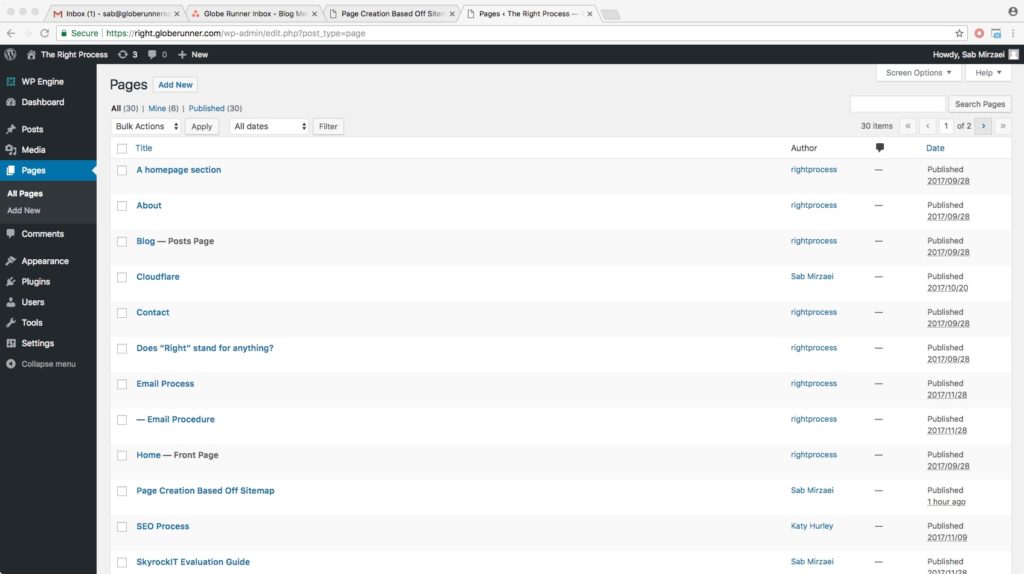
Once you click on the “Pages” section on the left hand tool bar, the screen above will appear. Click “Add New” at the very top of the page. It will then take you to a screen that looks like this:
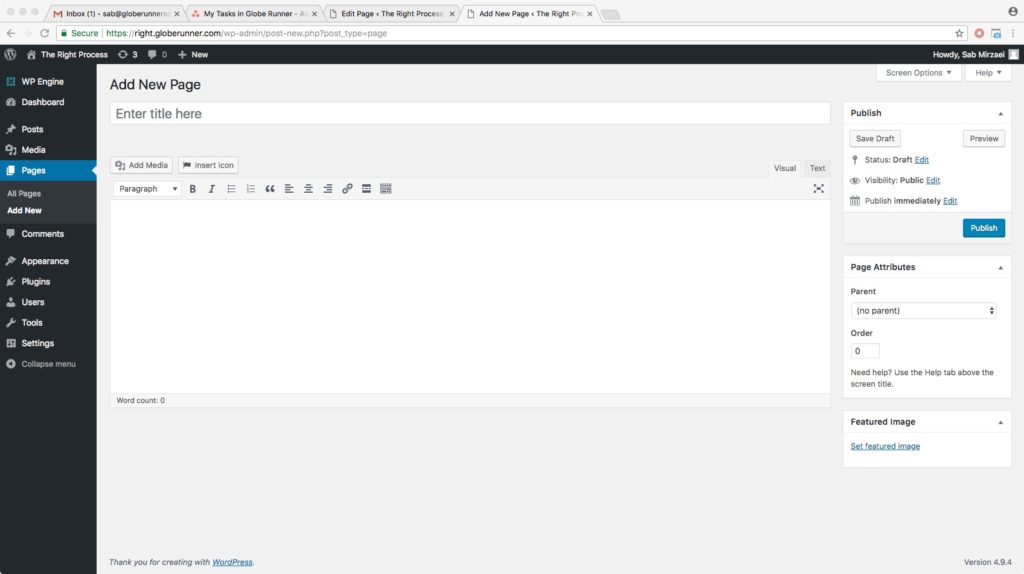
As you will see, it slightly resembles a Microsoft Word document. It is very important that you give your new page a title. After you’ve titled the page, go ahead and click into the content area.
As soon as you click into the content area, you will notice that a permalink has been generated. Basically, a permalink is WordPress’s way of showing you that users can visit this specific page if they would like to skip browsing the entire website to locate it.
Every page needs certain things. They are:
- A title
- Some type of content
- Under attributes, make sure there is a proper template
You will then have to make a decision to publish it or save it as a draft. All of these steps are applicable to post creation, as well.
High points of this tutorial:
- Use the site map as a guide
- Log in to WordPress
- Create and edit pages and posts based off of what we see in the site map